Click here for Interactive Support
The “Interactive Support” link above will take you to the RemotePC “Support Connection” page.
You should already have received the required session code from us.
For more information on this process, please see RemotePC's FAQ on this program. | 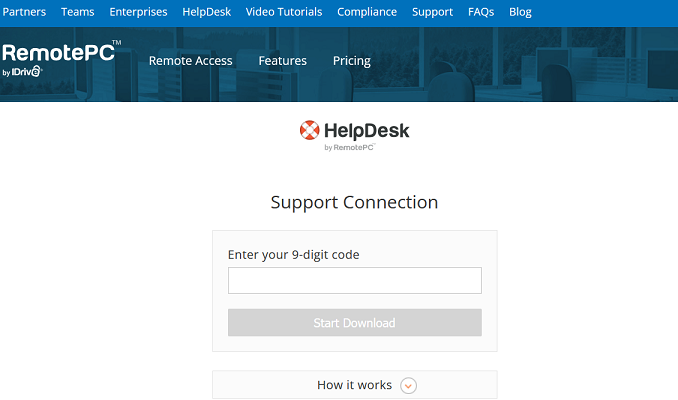 |
When you click the Download button if you are using Internet Explorer you can Run the RemotePC file by clicking on the “Run” button at the bottom of the page.
If you are using another browser, download it and then run it.
Powered by RemotePC